 blog
blog
Keyless Entry vs Traditional Keys: Which Is Right for You
Last Updated: October 29, 2026
Quick Summary
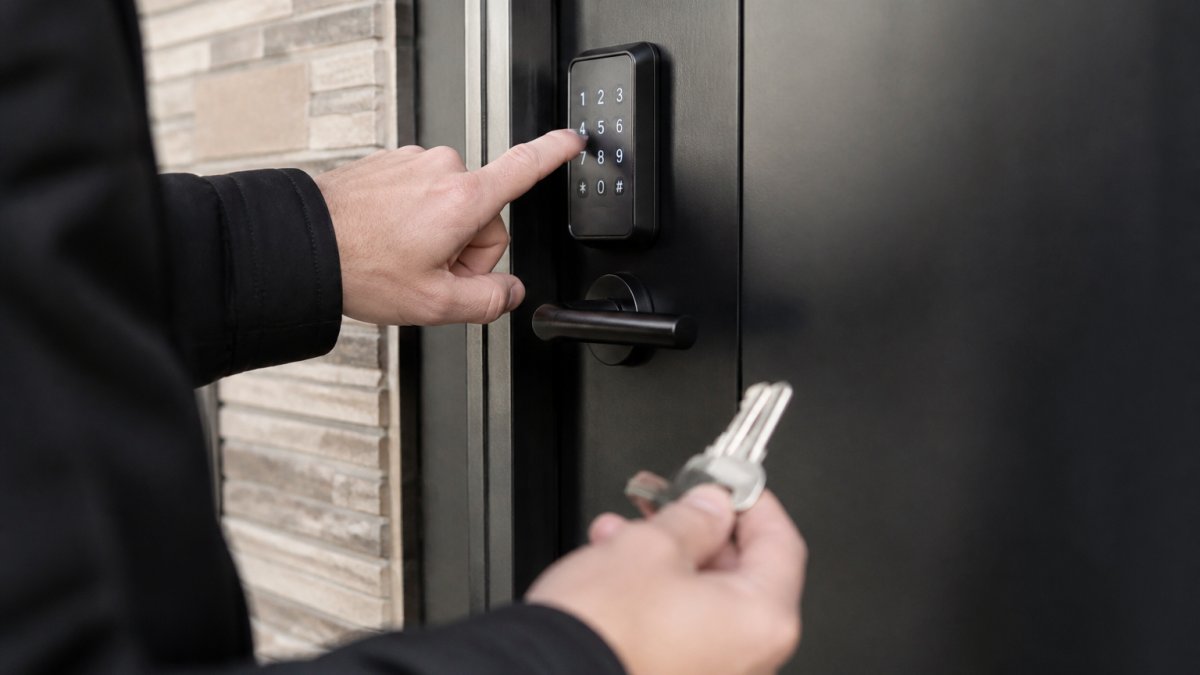
Keyless entry is the umbrella term for any system that grants access without a cut metal key, using a PIN code, smartphone app, key fob, key card, or fingerprint instead. Common alternatives to traditional house keys include keypad locks, smart locks, biometric locks, fobs or key cards, and lockboxes holding a spare key.
- Keypad and PIN code locks typically cost $50 to $200 for hardware only.
- Smart locks run $100 to $300 and need battery changes every 3 to 6 months.
- Every electronic lock should have a mechanical key override with a working key stored off-site.
- Replace lock batteries on a schedule, typically every 6 to 12 months, rather than waiting for the warning.
- Test your backup entry path once a quarter, not once a year.
Table of Contents
- Why Homeowners Are Rethinking Traditional House Keys
- A Side-by-Side Comparison of Key Alternatives
- Keyless Entry System Pros and Cons for Real Households
- Smart Lock Installation Cost and What Drives the Price
- Biometric Door Lock Security: How Reliable Is a Fingerprint?
- Offline Access and Failure Scenarios You Need to Plan For
- Privacy, Hacking Risk, and Rental Rules
- Choosing the Right Upgrade for Your Home
- Frequently Asked Questions
Why Homeowners Are Rethinking Traditional House Keys
The case against the traditional house key starts with a simple fact: keys get lost, copied, and stolen, and most households have no real way to know who holds a copy. That is why so many homeowners are now weighing alternatives to traditional house keys, from keypad deadbolts to fingerprint readers.
The shift is practical, not trendy. A physical key is a single point of failure: lose it, and you are locked out or exposed. Keyless entry is the umbrella term for any system that grants access without a cut metal key, using a PIN code, a smartphone app, a key fob, a key card, or a fingerprint instead.
A Side-by-Side Comparison of Key Alternatives
Each alternative solves a different problem, and the right choice depends on who uses the door, how often, and what happens when the technology fails. The table below compares the major options on the dimensions that actually decide the purchase: how you get in, what it costs to buy and own, how secure it is against common attacks, how reliable it is day to day, and which households it fits.
| Option | How You Get In | Typical Upfront Cost (Hardware Only) | Ongoing Cost | Security Profile | Reliability | Best For | Main Weakness |
|---|---|---|---|---|---|---|---|
| Keypad / PIN code lock | Access code on a keypad | $50-$200 | Batteries every 6-12 months | Good; vulnerable to code sharing and shoulder-surfing | High; works offline | Families, rentals, shared doors | Code sharing gets sloppy |
| Smart lock (app, Bluetooth, Wi-Fi) | Smartphone app, remote locking, auto-unlock | $100-$300 | Batteries every 3-6 months; optional hub $50-$150 | Good if configured well; depends on account security and firmware | Medium; app features depend on connectivity | Remote access, guest permissions, audit logs | Depends on power and connectivity |
| Fingerprint / biometric lock | Fingerprint reader | $100-$250 | Batteries every 6-12 months | Good; hard to clone a fingerprint, but sensor spoofing is possible | Medium; read accuracy varies with skin condition | Keyless personal entry | Enrollment limits, sensor wear |
| Key fob or key card | Tap or proximity credential | $30-$150 per reader; $5-$20 per credential | Batteries or wired power; credential replacement | Medium; fobs can be lost, cloned, or shared | High for the reader; credential management is the weak point | Offices, multifamily buildings | Fobs get lost or cloned |
| Lockbox | Combination box holding a spare key | $20-$60 | None | Low to medium; visible target, combination can be shared | High; no electronics | Contractors, caregivers, emergencies | Visible target for tampering |
| Mechanical key override | Backup key in a cylinder | Included with most electronic locks; $10-$30 for a spare cylinder | None | High; a physical key is still a physical key | High | Every electronic system | Defeats the point if misused |
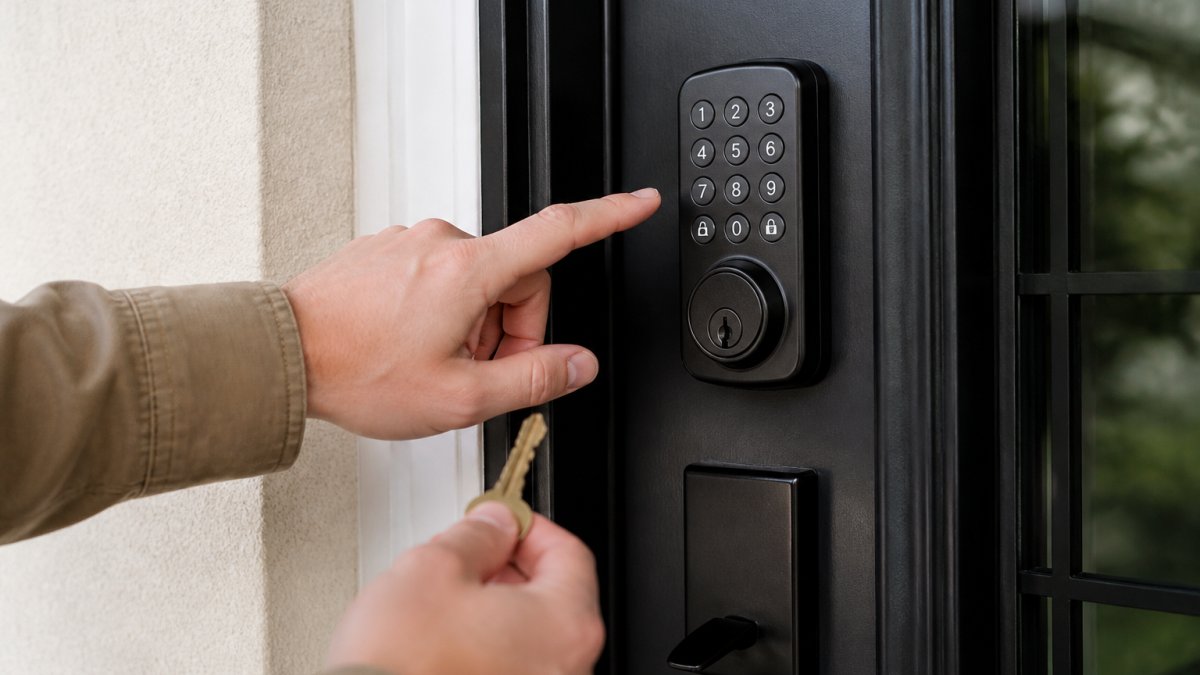
For a focused breakdown before you commit, read our pros and cons of keyless entry systems.
Keyless Entry System Pros and Cons for Real Households
Keyless entry is not automatically more secure than a good deadbolt. It is more controllable, which is a different thing, and that distinction decides whether it suits your household.
What Keyless Entry Does Better
- No rekeying after a breakup or tenant turnover. You delete a code instead of paying for new cylinders.
Where Keyless Entry Falls Short
A smart lock that still works with your current keys is possible, and our guide on using smart locks with existing keys explains when that applies.
Smart Lock Installation Cost and What Drives the Price
We offer upfront pricing with no hidden fees. For a fuller breakdown of what a residential lock upgrade involves, see our residential lock upgrade cost guide.
Biometric Door Lock Security: How Reliable Is a Fingerprint?
- Enrollment caps. Most readers store a limited number of fingerprints, so large households and staff teams can run out of slots.
- Sensor wear. Optical and capacitive sensors degrade over years of use.
- No perfect fallback. Every biometric lock needs a PIN or key backup for the day a finger will not read.
Offline Access and Failure Scenarios You Need to Plan For
Every electronic lock will eventually lose power or connectivity, and the difference between a minor inconvenience and a lockout is whether you planned for it. This is the section most buying guides skip, so treat it as your pre-purchase checklist.
How each system behaves when things go wrong
- Battery-powered keypad and smart locks. These keep working on battery power even during a grid outage. Most models give a low-battery warning with a chirp or app alert weeks before failure, and many accept a 9-volt battery jump at the exterior terminals as a last resort. Replace batteries on a schedule (typically every 6-12 months, more often in cold climates) rather than waiting for the warning.
- Wired and hub-dependent systems. A lock that relies on a hub or bridge for remote features may lose app control when the network or hub goes down, but local PIN and key access should still function. Confirm this before you buy: ask whether the lock stores codes locally or only in the cloud.
- Wi-Fi and Bluetooth outages. Bluetooth works at short range without a network, so app unlock usually still works when you are standing at the door. Wi-Fi features such as remote unlock and guest-code management stop working when the network drops.
- Phone failure. A dead phone, a lost phone, or a forgotten password can lock you out of app-only systems. Every smart lock should have a keypad or physical key path that does not depend on the phone.
- Lockout with no phone and no key. This is the scenario to design out. Keep a physical backup key somewhere secure and off-site, such as with a trusted neighbor or in a lockbox that is not visible from the street.
A simple failure-plan checklist
- Confirm the lock has a mechanical key override and that you have a working key stored off-site.
- Confirm local PIN access works with Wi-Fi turned off.
- Confirm the low-battery warning is audible or visible from outside.
- Confirm you know how to jump-start the lock with a 9-volt battery if the manufacturer supports it.
- Test the backup path once a quarter, not once a year.
If you want the full picture of how these systems behave when the grid goes down, our article on whether smart locks work during power outages covers it in detail.
Privacy, Hacking Risk, and Rental Rules
- Change default codes and admin passwords immediately.
- Use unique, strong app passwords and enable two-factor authentication.
- Update firmware when prompted.
- Audit user permissions quarterly and delete codes that are no longer needed.
Renters face a separate issue.
Choosing the Right Upgrade for Your Home
Use this checklist before you buy:
If you are outfitting an apartment specifically, our roundup of the best smart locks for apartment doors narrows the field fast.
Frequently Asked Questions
What are the disadvantages of keyless door locks?
The main drawbacks are dependence on batteries or power, higher upfront cost than a standard deadbolt, and the chance of connectivity problems if the lock relies on Wi-Fi or Bluetooth. Some models also limit how many user codes or fingerprints they store. A keyless entry system should always include a mechanical key override so you are not locked out when a battery dies. Installation complexity varies by door type, and older doors may need extra hardware or drilling.
Are smart locks as secure as traditional deadbolts?
A quality smart lock built on a solid deadbolt can match the physical security of a traditional lock, and it adds features like audit trails, temporary codes, and remote locking. The weak points are digital: weak passwords, outdated firmware, and shared access codes. Choose locks from established brands, enable two-factor authentication where offered, and change default codes immediately. For biometric door lock security, fingerprint templates are stored locally on most models rather than in the cloud, which reduces exposure.
What happens to a smart lock if the power goes out?
Battery-powered smart locks keep working during a power outage because they do not draw from the home's electrical supply. Wi-Fi features and app control may go offline if your router loses power, but the keypad and mechanical key override still function. Models that require hardwiring need a battery backup. Check the lock's battery level monthly, and keep a physical key stored somewhere secure outside the home so you have a fallback.
Can I install a keyless entry system on an existing door?
Most keyless deadbolts and keypad locks fit standard door preparations, so installation often requires only a screwdriver. Check the door thickness, backset, and cross-bore dimensions before buying. Doors with unusual hardware or extra reinforcement may need a professional assessment. Smart lock installation cost depends on the lock model, door condition, and whether wiring or additional drilling is needed. A certified locksmith can confirm compatibility and handle the install so the lock aligns and seals correctly.
The right alternative to a traditional house key depends on your door, your household, and how much control you want over who gets in. Advanced Keys & Locks LLC installs and services keypad locks, smart locks, and biometric hardware across the DMV area, backed by certified and insured locksmiths, 24/7 emergency availability, and upfront pricing with no hidden fees. Get a quote from Advanced Keys & Locks LLC and upgrade your entry with hardware that fits your door the first time.