 how-to
How Long Do Smart Lock Batteries Last and What to Expect
Last Updated: October 30, 2026
Quick Summary
Most smart lock batteries last 6 to 12 months, but the connection type changes that number more than any other factor. Wi-Fi models typically run just 2 to 4 months, while Z-Wave models can stretch to 18 months. Plan to change smart lock batteries once a year for most locks, and every 3 to 6 months for Wi-Fi models.
- Wi-Fi locks drain fastest because they stay awake to hold a constant router connection.
- Bluetooth locks wake only when your phone is nearby, landing in the 6 to 12 month range.
- Z-Wave locks use a low-power mesh network and can reach up to 18 months, usually with a hub.
- High-traffic doors should have every battery estimate cut in half.
- A sluggish bolt is the last warning before failure on most models, giving you days not weeks.
Table of Contents
- How Long Do Smart Lock Batteries Last by Connection Type
- How Often to Change Smart Lock Batteries
- What Happens When a Smart Lock Battery Dies
- Smart Lock Low Battery Warning Signs to Watch For
- Why Is My Smart Lock Battery Draining Fast
- Checking Battery Status and Replacing Batteries Safely
- Schedule a Smart Lock Battery Check with Advanced Keys & Locks
- Frequently Asked Questions
How Long Do Smart Lock Batteries Last by Connection Type
Most smart lock batteries last 6 to 12 months, but the connection type changes that number more than any other factor.
The more a lock talks to the internet, the faster it burns through power.
Smart lock batteries are the disposable or rechargeable cells that power the motor, radio, and keypad inside a smart door lock. Battery life is how long those cells last before the lock needs fresh power.
Wi-Fi, Bluetooth, and Z-Wave Compared
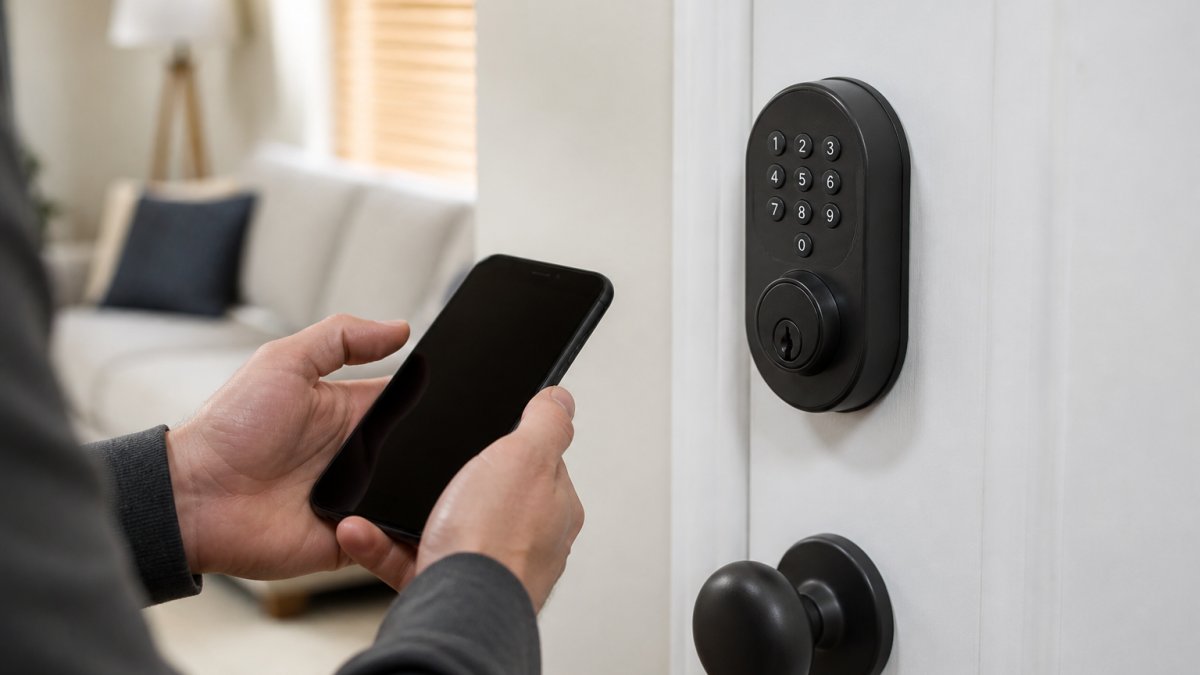
Wi-Fi is the power hog. If you're weighing connection types, see how to connect a smart lock to Wi-Fi and what it does to battery life. A lock that connects directly to your router stays awake to hold that connection, and that constant chatter drains cells fast. Smart Home Explorer's 2026 comparison describes always-on Wi-Fi locks as lasting about 6 months, with some dropping to 2 to 4.
Bluetooth locks sit in the middle. They only wake when your phone is nearby, so most land in the 6 to 12 month range.
Z-Wave locks are the marathon runners. They use a low-power mesh network and can reach up to 18 months.
Battery life depends heavily on how the lock connects, so here is how the main types compare.
| Connection type | Typical battery life | Note |
|---|---|---|
| Wi-Fi | 2 to 4 months | Always-on router connection drains cells fast |
| Wi-Fi (always-on) | About 6 months | Some dropping to 2 to 4 months |
| Bluetooth | 6 to 12 months | Wakes only when phone is nearby |
| Z-Wave | Up to 18 months | Low-power mesh network, usually needs a hub |
How Often to Change Smart Lock Batteries
Plan to change smart lock batteries once a year for most locks, and every 3 to 6 months for Wi-Fi models. Don't wait for a dead lock to remind you. A simple calendar reminder beats a lockout.
Here's a practical schedule:
- Wi-Fi locks: check monthly, replace every 3 to 6 months
- Bluetooth locks: check every 3 months, replace every 6 to 12 months
- Z-Wave locks: check every 6 months, replace every 12 to 18 months
The number of daily unlocks matters too. A front door used 20 times a day will eat batteries faster than a back gate opened twice a week.
What Happens When a Smart Lock Battery Dies
A dead smart lock battery usually doesn't lock you out completely. If it does die while you're away, our step-by-step guide on what to do walks you through it.
When the battery dies, the lock typically:
- Stops responding to the app and keypad
- Keeps the deadbolt in its last position
- Falls back to the physical key, if the model has one
Watch out: a lock with no key override and a dead battery can mean a paid locksmith call. Learn whether smart locks work during power outages and how to prepare. Check for a backup entry method before you buy.
Smart Lock Low Battery Warning Signs to Watch For
A smart lock low battery warning shows up long before the lock quits, but the signals vary by brand and by how the lock is powered. Learn the sequence and you'll never get surprised, and you'll know how many days you actually have.
Most locks alert you in four ways, roughly in this order of urgency:
- App notification: a push alert when power drops below a set threshold. Common thresholds sit around 20% to 30% remaining, though some apps alert at 15% and a few only at 10%. Check your app's device settings to see where your model triggers.
- Beep or chirp: an audible tone at the keypad after unlocking. On many models this starts at roughly the same threshold as the app alert; on others it's a separate, later warning.
- Flashing light: a red or amber LED when you enter your code. Amber usually means "plan to replace soon"; red usually means "replace now." The color convention is not universal, so confirm it in your manual.
How Much Time Each Warning Buys You
The gap between the first alert and a dead lock is where people get caught. A common pattern across major brands:
- First app alert (around 20% to 30%): typically two to four weeks of normal use on a Bluetooth or Z-Wave lock, and one to two weeks on a direct Wi-Fi lock.
- Audible chirp or amber LED: usually several days to about a week.
- Sluggish bolt or red LED: hours to a couple of days. Replace the cells now, not after the lock stops responding.
High-traffic doors compress every window. A front door cycled 20 times a day can go from first alert to dead in under a week even on a low-power radio.
Signals That Aren't About Battery Level
Not every warning means the cells are low. A lock that beeps, flashes, or stalls right after a fresh battery change is usually reporting something else: a binding deadbolt, a misaligned strike plate, a firmware fault, or a failed pairing. Our guide on why is my smart lock battery draining fast covers the drain side; the warning-sign side is about reading the sequence correctly.
Why Is My Smart Lock Battery Draining Fast
A smart lock battery draining fast almost always traces to one of five causes. Find the cause and you fix the drain.
The usual culprits:
- Wi-Fi always on. Direct Wi-Fi is the top drain. A bridge or hub can offload that work.
- Weak signal. A lock far from the router works harder to stay connected, so it burns more power.
- Cold weather. Lithium cells lose capacity in freezing temperatures, a real issue on exterior doors in winter.
- Frequent use. A busy front door cycles the motor constantly.
- Old firmware or a stuck motor. A binding bolt makes the motor strain every time.
Checking Battery Status and Replacing Batteries Safely
Check battery status in your lock's companion app first. Most apps show a percentage or a simple good/low/critical reading under device settings. If your lock has no app reading, watch for the warning signs above.
When it's time to swap cells, follow these steps:
- Check the app for current battery level and any low-battery alert, and note the reading so you can confirm the new cells register correctly.
- Put the lock in pairing-safe mode or remove it from the app if the manual says so. Some models retain pairing through a battery change; others drop it and need a re-pair.
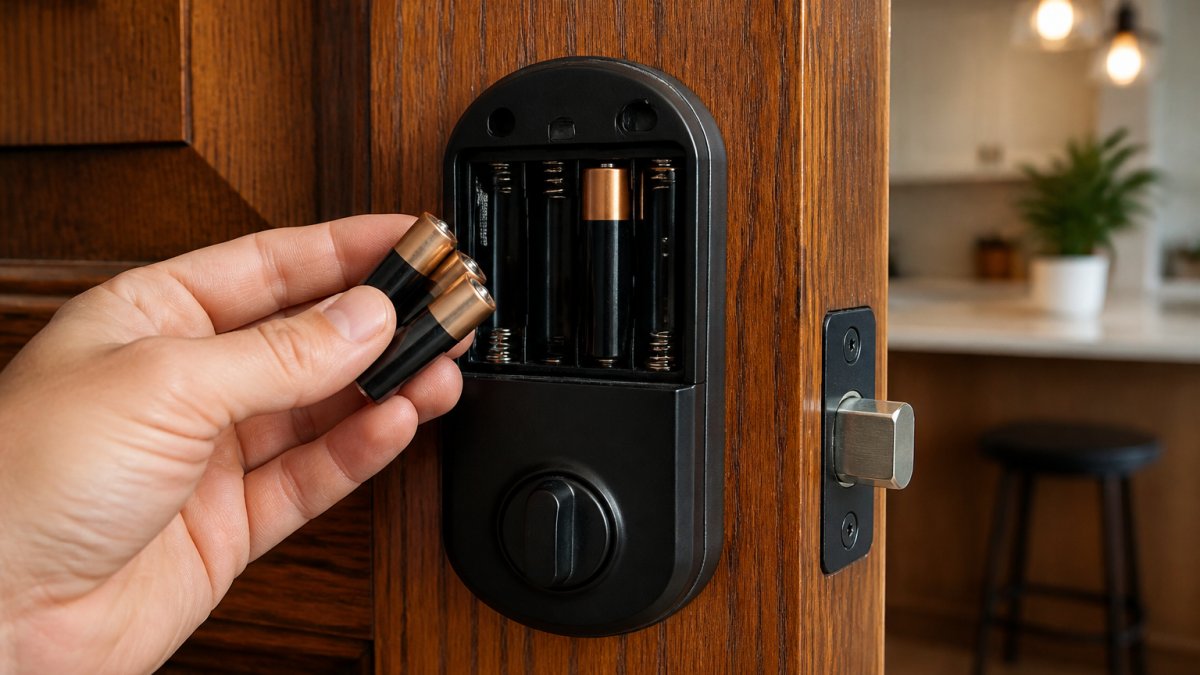
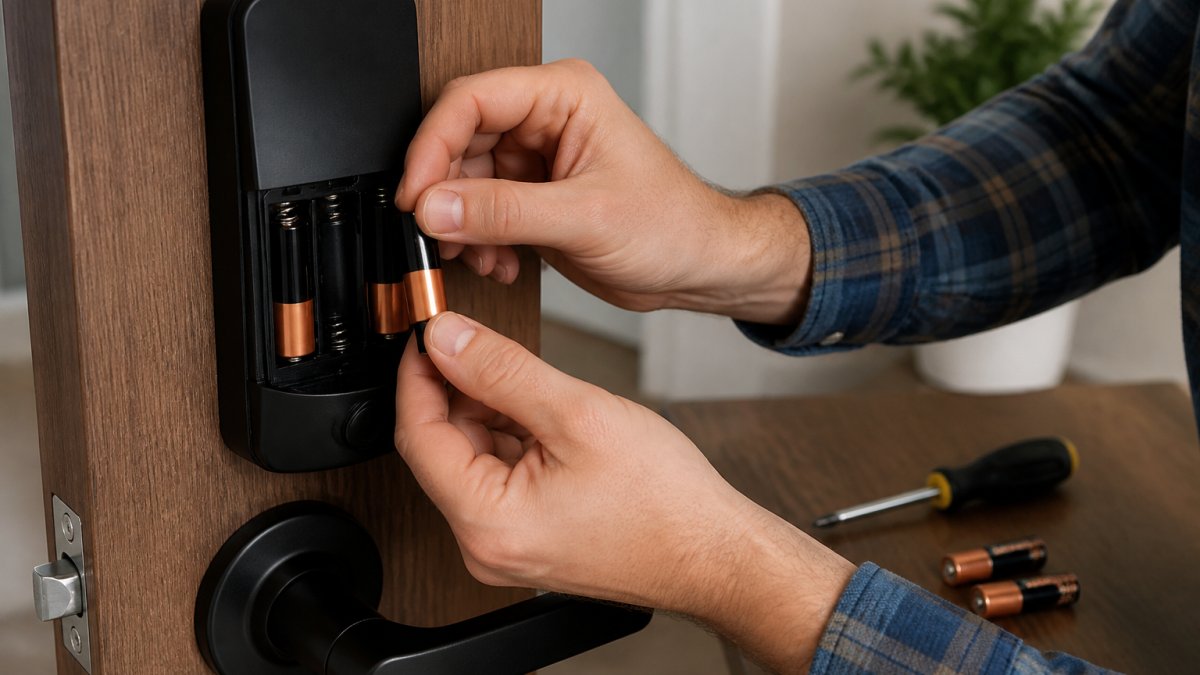
- Open the interior battery panel, usually a slide-off cover. A few models use a small Phillips screw; keep the screw in a cup so it doesn't roll.
- Remove the old batteries and note the size, count, and orientation. Photograph the compartment before you pull anything out.
- Insert fresh batteries matching the polarity marks. Use the battery type the manual specifies, usually alkaline AA or lithium AA, and don't mix old and new cells or different brands, which shortens life and can cause false low-battery readings.
- Restart the lock and confirm it reconnects. Give it 30 to 60 seconds to rejoin a hub or bridge before you assume it failed.
- Test the keypad, app, and physical key before you walk away.
Post-Replacement Verification Checklist
A fresh set of cells isn't done until you've confirmed the lock is fully back online. Run this checklist before you close the door on the job:
- Battery reading: the app should show a high or full percentage within a few minutes. If it still reads low, the cells may be seated wrong or the wrong type.
- Keypad and app unlock: test both, plus the physical key override.
- Remote access: if your lock uses a bridge or hub, confirm remote lock/unlock works from outside your home network, not just on the same Wi-Fi.
When the Lock Doesn't Come Back After a Battery Change
A lock that stays offline after fresh cells is usually one of four things:
- Seating or polarity: pull the cells and reseat them; check the polarity marks against your photo.
- Wrong battery type: lithium and alkaline behave differently in cold weather and in low-drain circuits. Match the manual.
- Dropped pairing: re-pair the lock in the app using the model's pairing procedure. This is common on locks that don't retain pairing through a power loss.
If none of that works, a factory reset and full re-pair is the next step, but it wipes codes and schedules, so try the simpler fixes first. While you have the panel open, ask whether it's smarter to rekey or replace the lock entirely.
Schedule a Smart Lock Battery Check with Advanced Keys & Locks
A dead smart lock battery is a small problem until it strands you outside.
Advanced Keys & Locks LLC handles smart lock installation, battery service, and lockouts across the DMV area, 24/7. See the benefits of professional smart lock installation before you book.
Get a quote from Advanced Keys & Locks LLC and keep your smart lock powered, connected, and ready before the battery quits.
Frequently Asked Questions
How long do the batteries last in a Yale lock?
Battery life depends on the lock model and how often it is used. Wi-Fi models generally have the shortest battery life, while Z-Wave models generally last longer. Check your Yale lock's companion app for a battery percentage, and replace cells when it drops below 20 percent rather than waiting for a lockout.
Can you still unlock a smart lock when the batteries die?
Most smart locks keep a mechanical keyway or an external power port so you can get in after the batteries die. Keep the physical key somewhere outside the home, such as with a trusted neighbor or in a secure lockbox, because storing it inside defeats the purpose. If your lock has no keyway, check the manufacturer's instructions for a 9-volt jump-start terminal before calling a locksmith.
What type of batteries do smart locks use?
Most residential smart locks run on four AA alkaline batteries, though some compact models use AAA or a built-in rechargeable pack. Alkaline cells are the usual recommendation over rechargeables because they hold voltage more steadily and give the low battery warning more time to work. Avoid mixing old and new cells or different brands in the same lock, since uneven voltage can trigger false warnings or a sudden failure.
Why is my smart lock battery draining so quickly?
A smart lock battery draining fast usually points to one of four causes: a weak Wi-Fi signal forcing the radio to work harder, frequent remote access or camera-style polling, extreme cold, or firmware that needs an update. Moving a Wi-Fi bridge closer to the door, cutting back on unnecessary remote unlocks, and checking the app for firmware updates often restore normal battery life.
Battery life is one of those details that decides whether a smart lock feels convenient or cursed. Get the connection type and replacement schedule right, and you'll rarely think about it again. Get them wrong, and you'll meet your locksmith at the worst possible moment. Advanced Keys & Locks LLC can set up, service, and troubleshoot your smart lock so a low battery is a reminder, not an emergency. Get a quote and let our certified team keep your entry secure.